How to use the Planning Explorer
Planning system changes
We are upgrading our system between Friday 11 September and Tuesday 29 September, and some services will be unavailable whilst we complete the work.
Find out the services that are affected.
To search using the Planning Explorer, you can enter values in more than one field if required and the search will return all records that meet the criteria set.
Using the Planning Explorer
To enter partial information you can use a "wildcard" character %.

For example, if the Application Number begins with 2009, enter 2009% in the Application Number field and click Search. This will display a list of all Planning Applications where the Application Number begins 2009.
Refining your search
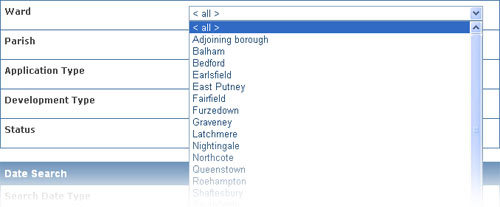
Where available, click the down arrow to the right of a field to open a selection list. Click the required choice.
The date search
Click the button next to one of the date search fields as appropriate. The Dates not Applicable button will be selected automatically if no date search is chosen.
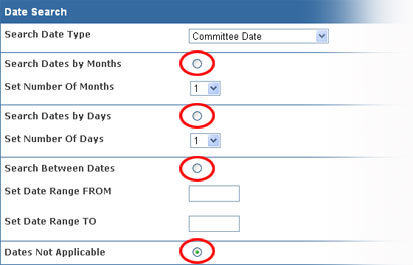
Enter dates in the format dd/mm/yyyy (e.g.21/03/2006).
Return to the Planning Explorer.